Case Study Layouts That Convert
The layout of a case study page determines whether visitors read deeply or bounce quickly. Structure, rhythm, and hierarchy make the difference.
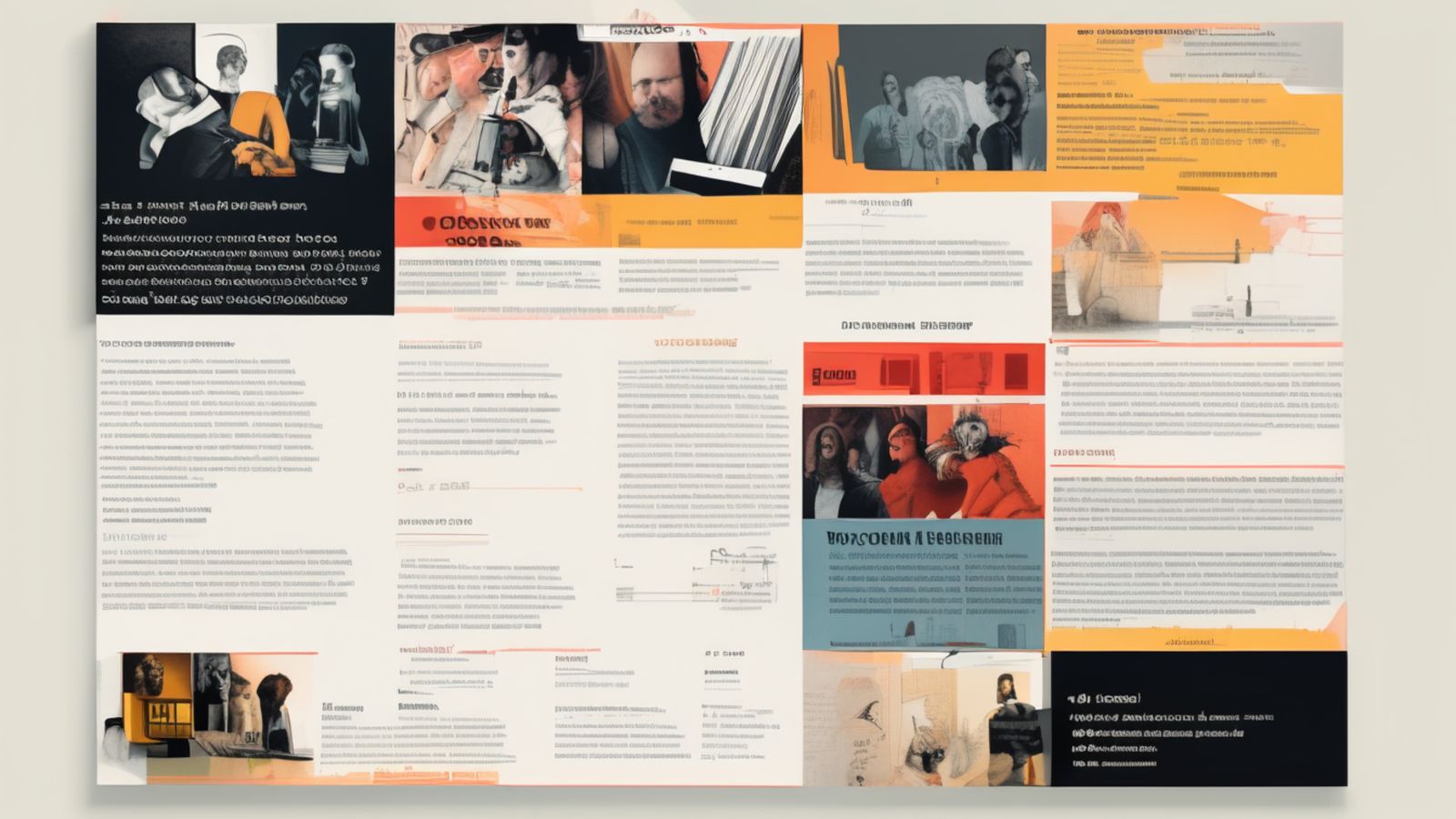
Case Studies Are Trust Architecture
A case study page on a portfolio site is doing two jobs simultaneously. On the surface, it is presenting a project—showing the work, explaining the thinking, demonstrating capability. Underneath, it is building trust. The visitor is evaluating whether this studio or designer has the skills, taste, and judgment to handle their project. Every layout decision, every content choice, and every visual treatment either builds or undermines that evaluation.
Most case study pages fail at the trust job. They show beautiful screenshots and write vague descriptions of the process. The visitor sees competent visual design but learns nothing about how the studio thinks, what tradeoffs were made, or what the experience of working together would feel like. The result is a page that looks impressive but does not convert—the visitor leaves without making contact.
Converting case study pages work differently. They balance visual impact with substantive thinking. They show the work and explain the decisions behind it. They create a reading experience that rewards attention, building confidence with each section rather than front-loading all the visual impact and tapering to nothing.
This article covers the layout principles, content structure, and design patterns that make case study pages function as effective trust-building and conversion tools.

The Opening Section
The first screen of a case study page determines whether the visitor scrolls or leaves. It needs to communicate four things within the initial viewport: what the project is, who it was for, what your role was, and one compelling visual. If any of these is missing, the visitor has to scroll to find basic orientation information, and many will not bother.
The most effective pattern is a metadata-first opening. A compact block of project metadata—client name, disciplines, timeline indicator—appears above or alongside the project title. The title itself is descriptive rather than clever: not a tagline but a clear statement of what the project involved. Below the title, a single sentence or short paragraph positions the project in context.
The hero image appears either alongside or immediately below this metadata block. It should be the single strongest visual from the project—not a collection of thumbnails, not a device mockup lineup, but one image that captures the character of the work.
This opening pattern works because it gives the visitor orientation before asking for commitment. They know what they are about to read, they know what your involvement was, and they have seen enough of the visual quality to decide whether the project is relevant to their interests.
Content Rhythm and Section Flow
After the opening, the case study needs a rhythmic structure that maintains reading engagement through what is typically a long page. The most effective rhythm alternates between text-heavy thinking sections and visually-led image sections, creating a pulse that prevents either reading fatigue or visual numbness.
A practical section sequence:
- Context — the project background, the client's situation, the problem space. This is text-heavy with perhaps one supporting image.
- Visual overview — a full-width or large-format image showing the overall design. This is the visual payoff after the context setup.
- Design decisions — the structural, typographic, and interactive choices that shaped the project. Text-heavy, possibly with annotated detail shots.
- Detail showcase — close-up images of specific interface elements, typographic treatments, or interaction states. Image-heavy, with minimal supporting text.
- Implementation notes — technical observations, performance considerations, or development challenges. Text-heavy, appealing to technically-minded visitors.
- Outcome and reflection — honest observations about what worked, what was learned, and what you would do differently. This section builds trust through candour.
This sequence creates a natural reading arc: orient, impress, explain, show, detail, reflect. The alternation between text and image keeps the page dynamic without relying on animation or interactive gimmicks.
Image Treatment and Layout
Images in case studies serve different purposes and should be treated differently in the layout.
Hero and overview images should be large—full-width or near-full-width—to create visual impact and demonstrate the overall design quality. These are the images that visitors remember and that communicate competence at a glance.
Detail images should be moderately sized and positioned within the text flow, either as inline figures or as side-by-side pairs. These support the narrative by illustrating specific points made in the surrounding text.
Process images (if included) should be small and understated. Wireframes, sketches, and early concepts are interesting but should not compete visually with the finished work. Present them at reduced size with a distinct visual treatment—a border, a muted background, or a caption that identifies them as process work.
Avoid the device mockup trap. Dropping screenshots into laptop and phone frames is the most common case study image treatment, and it communicates nothing beyond "this is a website." Show the actual interface at a size where the details are visible. If you need to show responsive behaviour, place the mobile and desktop versions side by side at their actual proportions.

Typography Hierarchy for Long Pages
Case study pages are some of the longest pages on a portfolio site. The typography needs to sustain engagement over that length, which means the hierarchy must be clear enough to allow scanning while the body text must be comfortable enough for sustained reading.
The heading hierarchy should allow visitors who scan (most visitors, on the first pass) to understand the structure of the case study from headings alone. Each H2 should be a self-contained descriptor: "Structure and Layout Decisions" rather than "The Approach." Specific headings invite reading; vague headings invite skipping.
Body text should be set at a comfortable reading size (16 to 18px) with generous line height and a controlled measure. Case study pages often stretch the text to full-width layouts that produce uncomfortably long lines. Keep the text column to 60 to 70 characters per line regardless of the overall page width.
Section entry points benefit from a visual signal—a thin horizontal rule, a shift in background tone, or increased vertical spacing. These signals give the reader permission to pause and re-engage, which is important on long pages where reading fatigue accumulates.
The Conversion Mechanism
A case study page that builds trust but does not provide a conversion path wastes the trust it built. The page needs a clear, low-friction way for the visitor to take the next step.
The most effective pattern is a contextual call to action at the end of the case study that connects the project to the visitor's potential needs. Not a generic "Contact Us" button, but a purposeful prompt: "Working on something similar? We would be glad to discuss your project." This acknowledges the context—the visitor just read about a specific type of work—and invites a conversation grounded in that context.
Secondary navigation at the page bottom should link to related projects, encouraging the visitor to deepen their engagement with the portfolio before leaving. Two to three related project links, clearly presented, keep the visitor in the portfolio and build cumulative trust.
Frequently Asked Questions
How long should a case study be?
Long enough to demonstrate thinking, short enough to maintain engagement. For most projects, 800 to 1500 words with strong supporting imagery hits the right balance. Err on the side of substance over brevity.
Should case studies include metrics?
Only if the metrics are real, attributable, and meaningful. Fabricated or vague metrics ("increased conversions by 300%") damage credibility. If you do not have reliable metrics, focus on qualitative observations and design reasoning instead.
How many case studies should a portfolio include?
Five to eight strong case studies are more effective than fifteen mediocre ones. Each project in the portfolio should be there because it demonstrates a specific capability or approach, not just to fill space.