Douugh
Project Framing
Douugh approached the financial app space with a premise that most banking interfaces get wrong: managing money should reduce anxiety, not amplify it. The existing design direction had the right instincts—clean, calm, focused—but needed refinement in how financial data was structured and presented across the application's key flows.
Our work focused on the interface design system, data visualisation patterns, and the interaction model for the core money management screens. We were designing for an application that people check multiple times per day, which meant every surface needed to be both informative and emotionally sustainable. Nobody wants their daily financial check-in to feel like reading an emergency report.

Challenge and Design Context
Financial apps live or die on the balance between information density and emotional impact. Show too little and users feel out of control. Show too much and they feel overwhelmed. The challenge with Douugh was finding the exact calibration point where users felt informed and empowered without being confronted by every micro-transaction and decimal point.
The user base spans from financially confident people optimising their spending to people who find the whole subject stressful and are trying to build better habits. The interface could not cater exclusively to either group. It needed a baseline experience that felt calm and clear, with pathways to deeper data for users who wanted granular control.
Another constraint was the competitive landscape. Financial wellness apps tend toward either playful gamification or austere minimalism. Douugh wanted to occupy a middle register—serious enough to trust with your money, warm enough to use every day without reluctance.
Structure and Layout Decisions
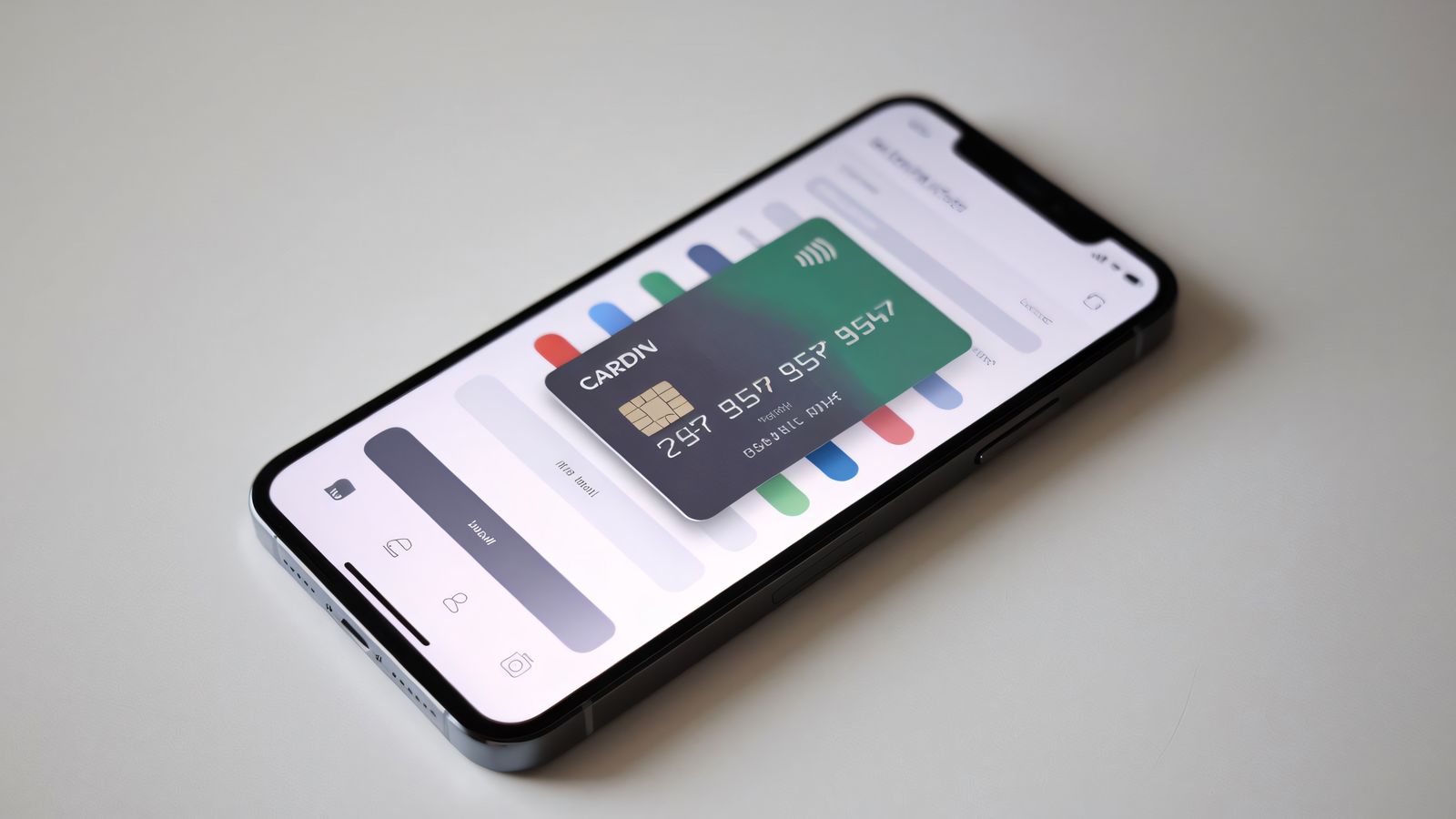
The application architecture centres on a dashboard that serves as the primary entry point. Rather than cramming every metric into the dashboard, we designed it as a curated summary with clear drill-down paths. The top section shows the most actionable number—available spending capacity for the current period—in large, confident type. Secondary metrics sit below in a compact grid.
The dashboard uses a card model, but not the generic shadow-box cards that every fintech app defaults to. Each card is a thin, borderless container differentiated by subtle background tint and consistent internal spacing. The effect is organised without being boxy—sections are distinct but the page reads as a unified surface rather than a collection of containers.
Transaction history—the most frequently accessed feature—uses a chronological list with smart date grouping. Rather than showing raw dates for every transaction, the interface groups by natural time markers: Today, Yesterday, This Week, Earlier This Month. Within each group, transactions list in reverse chronological order with amount, merchant, and category visible at the list level. Tapping expands the full detail.
Spending category visualisation uses a simple horizontal stacked bar rather than a pie chart. Stacked bars are easier to read accurately than pie segments, especially for categories that represent small percentages of total spending. Each category segment uses a distinct but low-saturation colour, maintaining the calm visual tone while still allowing quick identification.

Typography and Visual Language
The type system uses a geometric sans-serif with rounded terminals. The slight softness in the letterforms contributes to the approachable tone without tipping into childishness. Numbers are the most critical typographic element in a financial app, so we spent considerable time testing numerical legibility at various sizes and weights.
Large display numbers—account balances, spending summaries—use a medium weight rather than bold. This is counterintuitive, but our testing showed that heavy-weight numbers in financial contexts amplify emotional responses. A bold negative number feels more alarming than the same figure in medium weight. When the goal is calm clarity, the type weight choices need to support that tone.
The colour system is deliberately muted. The primary background is a warm off-white. Positive financial movements use a soft green that reads as reassuring rather than celebratory. Negative movements use a warm grey rather than red, reserving red exclusively for genuine alerts and errors. This colour philosophy was the most debated aspect of the design, but user research supported it—people engaging with their finances daily need emotional steadiness, not colour-coded judgments on every transaction.
Interaction and Implementation Notes
Transitions between screens use coordinated fade and slide animations. The timing is quick—180 to 220 milliseconds—and the easing is gentle. No bouncing, no overshooting. Financial data appearing on screen should feel inevitable and steady, like information settling into place.
The spending insights feature uses a progressive disclosure model. The dashboard shows headline insights—a single sentence summarising the most notable pattern in recent spending. Tapping opens a detail view that breaks down the insight with supporting data and comparison to previous periods. This avoids the common trap of showing too many AI-generated insights at once, which quickly becomes noise.
Pull-to-refresh triggers a smooth loading state with a subtle progress indicator rather than a spinning wheel. The content underneath stays visible and in place—only the data values update. This prevents the disorienting blank-screen flash that many apps create during refresh.
Lessons and Observations
Douugh crystallised a principle we now apply broadly: the emotional register of an interface is as much a design variable as colour or typography. In financial contexts, this is acute—the difference between a reassuring interface and an anxiety-inducing one can come down to type weight, colour saturation, and animation timing. These are not aesthetic preferences; they are functional design decisions that affect how people feel about engaging with the product.
The project also deepened our understanding of number design in interfaces. How you present a number—its size, weight, colour, context, and the whitespace around it—determines how a user feels about the value it represents. The same balance displayed in bold red versus medium grey tells two different stories to the user, and in a financial app, the story matters as much as the data.
Working at the intersection of fintech and wellness design reinforced that restraint and care are not the same as simplicity. The Douugh interface is not simple—it presents complex financial data across multiple dimensions. But it is calm, and that calm is the product of hundreds of deliberate micro-decisions rather than a single minimalist gesture.
Related Work
Interested in working together?
We are always open to conversations about new projects.
Start a project